
Urban Reload Codes and How to Redeem Them
Check Urban Reload's current code list with its source-check dates, redeem a working code in the Settings menu, and see where new codes are announced.
Quick answer
The table below is this page's current answer on Urban Reload codes, based on each source's most recent check — including when there is nothing to redeem yet. When a working code is confirmed, it appears there, and you redeem it in the game's Settings menu.
- Redeem a code: launch Urban Reload on Roblox, open the Settings menu, and enter the code in the box that appears.
- Catch the next code: join the official Squad Labs community on Roblox, watch the game page for new updates, and check the official Roblox page and the developer's social links for announcements.
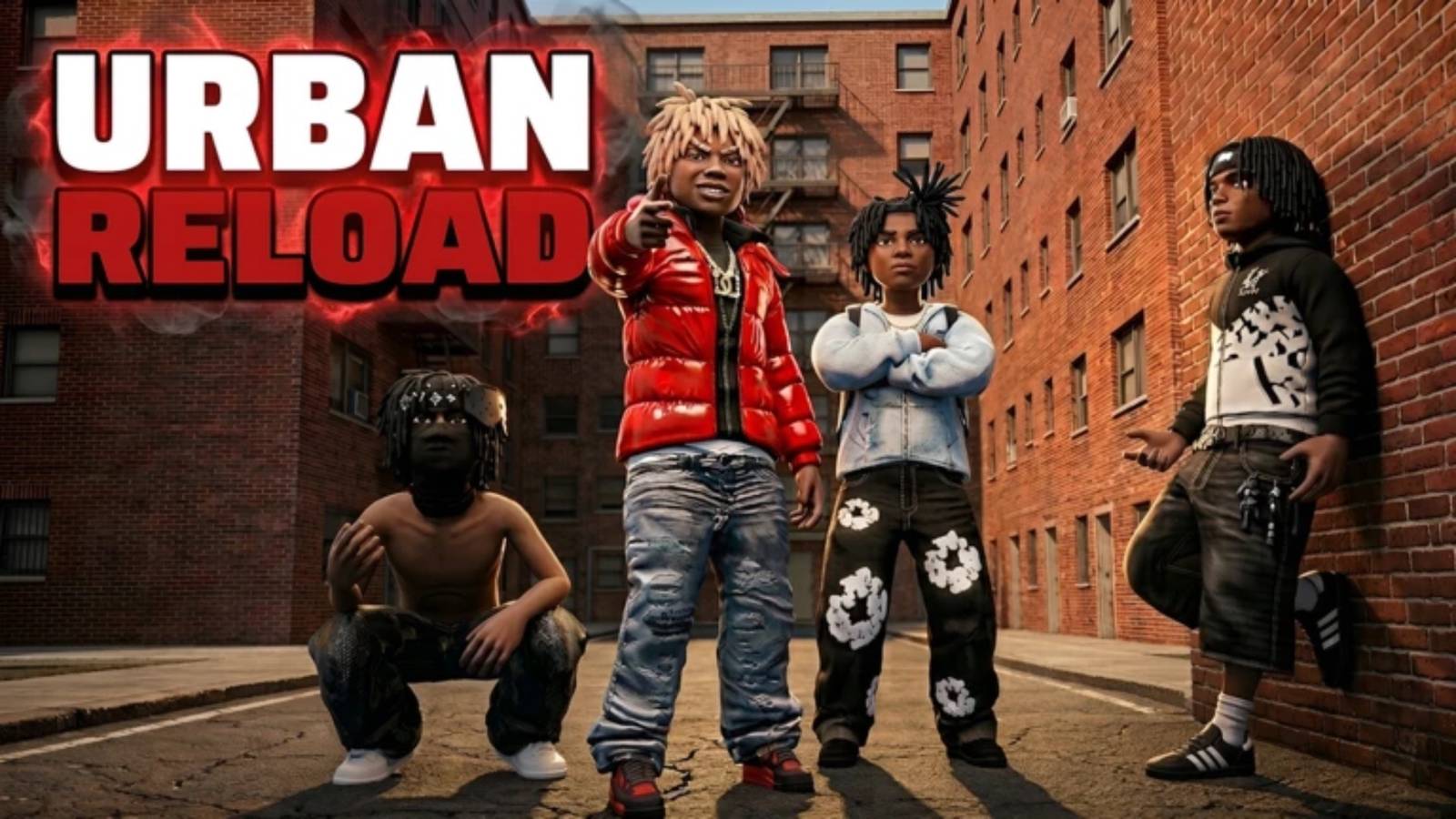
Any code circulating in a video, comment or chat is not confirmed working until it shows up in a checked list. The fastest way to know is the current table below, which carries each source's check date.
Current codes
Codes and rewards
No codes are currently reported working.
Code list at a glance
The table and the at-a-glance summary above are driven by the same checked data. If the summary reports zero working codes, that is the current answer — check back after the next game update or new-code announcement rather than trusting codes you see elsewhere.
How to redeem a code in Urban Reload
When a valid redeemable code goes live, redeeming it takes three steps:
- Launch Urban Reload on Roblox.
- Open the Settings menu once you are in the game.
- Enter the code into the box that appears.
Copy the code exactly from wherever you found it and paste it into the box — it's why codes lists put a COPY button next to each code — to avoid typos.
If a code does not work
- Check the code for typos and remove any spaces introduced when pasting.
- Enter only the code itself; leave reward names and dates out of the game's entry field.
- Read whatever reply the game shows before trying again — it is the fastest way to tell a typo from a code that is no longer working.
What status and check dates mean
- Reported status comes from a source listing. Tested means a completed in-game redemption is documented.
- The check date shows when a source listing was last checked. It is not a redemption test date and not an expiry date.
- No expiry shown does not mean a code lasts forever.
Expired codes
Expired code archive
No codes are currently listed as expired.
Start with the current list when looking for a reward. Archived entries keep their last known status so an old code is never confused with a working one.
Where to find new Urban Reload codes
Squad Labs, the developer, announces codes through a few official channels:
- Join the official Squad Labs community on Roblox. The developers post updates there and sometimes share codes or news about new rewards.
- Watch the game page itself. The developer expects new updates to arrive regularly, and codes can appear alongside them.
- Check the game's official Roblox page and the developer's social links listed there. Code announcements come through those channels.
No specific future code or reward is guaranteed. The dependable routine is to recheck these channels when an update lands — and to check GameRant's Urban Reload codes page from time to time, since GameRant refreshes that tracker on a steady schedule to catch fresh working codes.
Code sources
Sources and check records
Reported statuses reflect source listings. Tested statuses reflect in-game redemption checks. Source-check dates are shown beside each code.
Related Guides
Game Updates
See Urban Reload's confirmed game changes newest-first, with what is still uncertain explained plainly.
Money Guide: What to Spend Cash On
Decide what to buy first: benchmark guns, weapon cases and attachments, plus how to stack cash faster.
Beginner Guide: How to Start
Set up your hotbar, follow the sky symbols to the farm zone and gun store, then run your first cash-and-loot loop.